

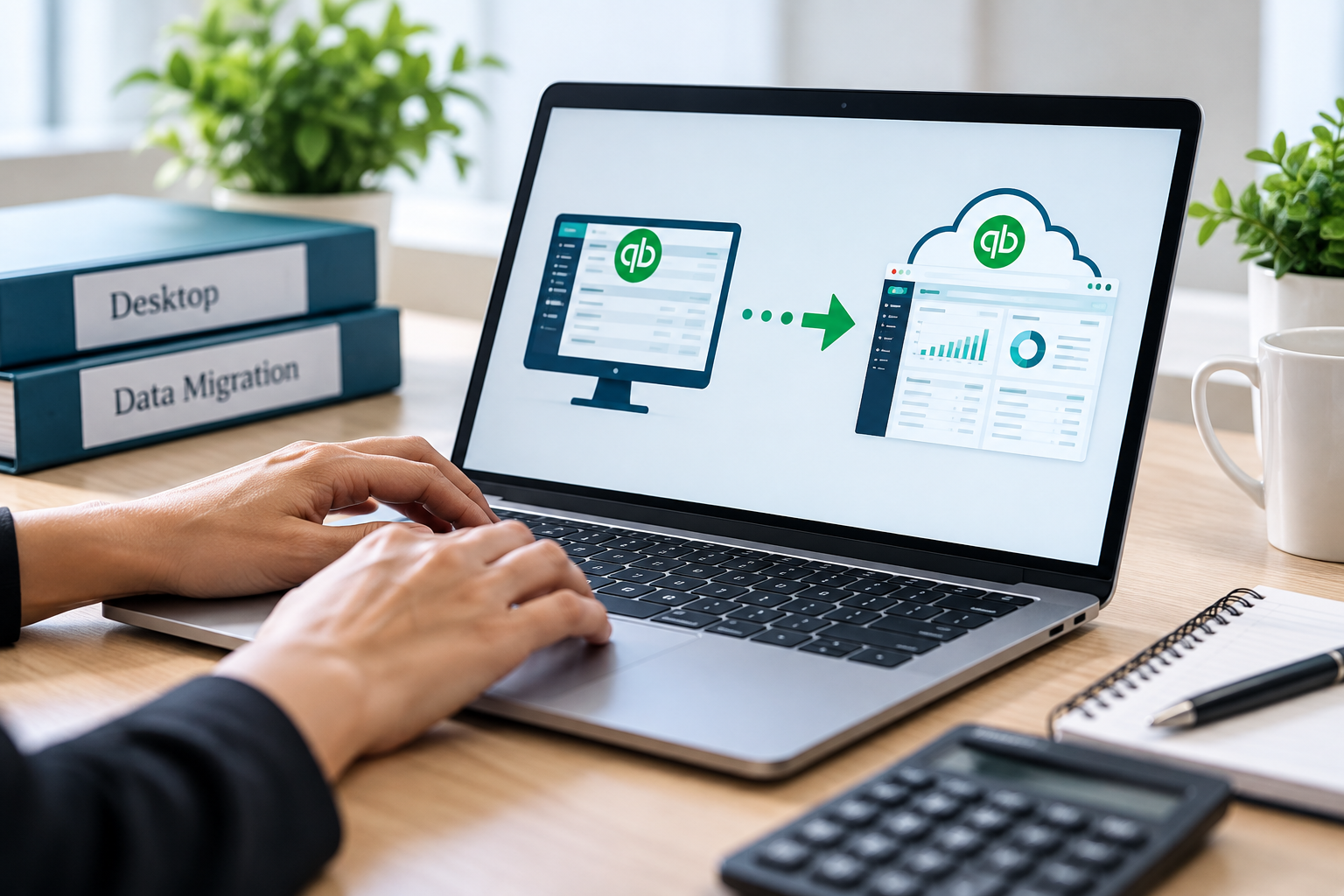
QuickBooks Desktop to QuickBooks Online Migration
Move to QuickBooks Online with confidence.
We handle the migration process from start to finish, with careful preparation and post-migration review to make sure your financial data transfers accurately.
Our Migration Process
Pre-Migration Review
- Review your current QuickBooks Desktop file
- Identify cleanup issues before migration
- Review open balances and key accounts
- Create a backup before conversion
Migration & Setup
- Convert your QuickBooks Desktop data to QuickBooks Online
- Review your Chart of Accounts
- Verify customers, vendors, open invoices, and bills
- Review products, services, and opening balances
- Configure your QBO file for your business
Post-Migration Validation
- Compare QuickBooks Desktop and QuickBooks Online balances
- Review Balance Sheet and Profit & Loss
- Verify A/R, A/P, bank, and credit card balances
- Identify migration discrepancies
- Make necessary post-migration corrections
Migration isn't complete until the numbers are verified.
Collaborate with Us!
Collaborate with us to enjoy exclusive discounts on our bookkeeping and Accounting analytics services. By collaborating with us, you gain access to top-notch financial management and insightful analytics at a reduced rate. Let's work together to elevate your business while saving on essential services.